Pasture
Your local AI, wherever you roam.
Run Ollama on your Mac, chat from your iPhone.
No terminal needed. Everything stays on your devices.
Your local AI, wherever you roam.
Run Ollama on your Mac, chat from your iPhone.
No terminal needed. Everything stays on your devices.
How it works
Lives in your menu bar. Quiet, out of the way, always on.
Your Mac is ready to connect automatically. No setup needed.
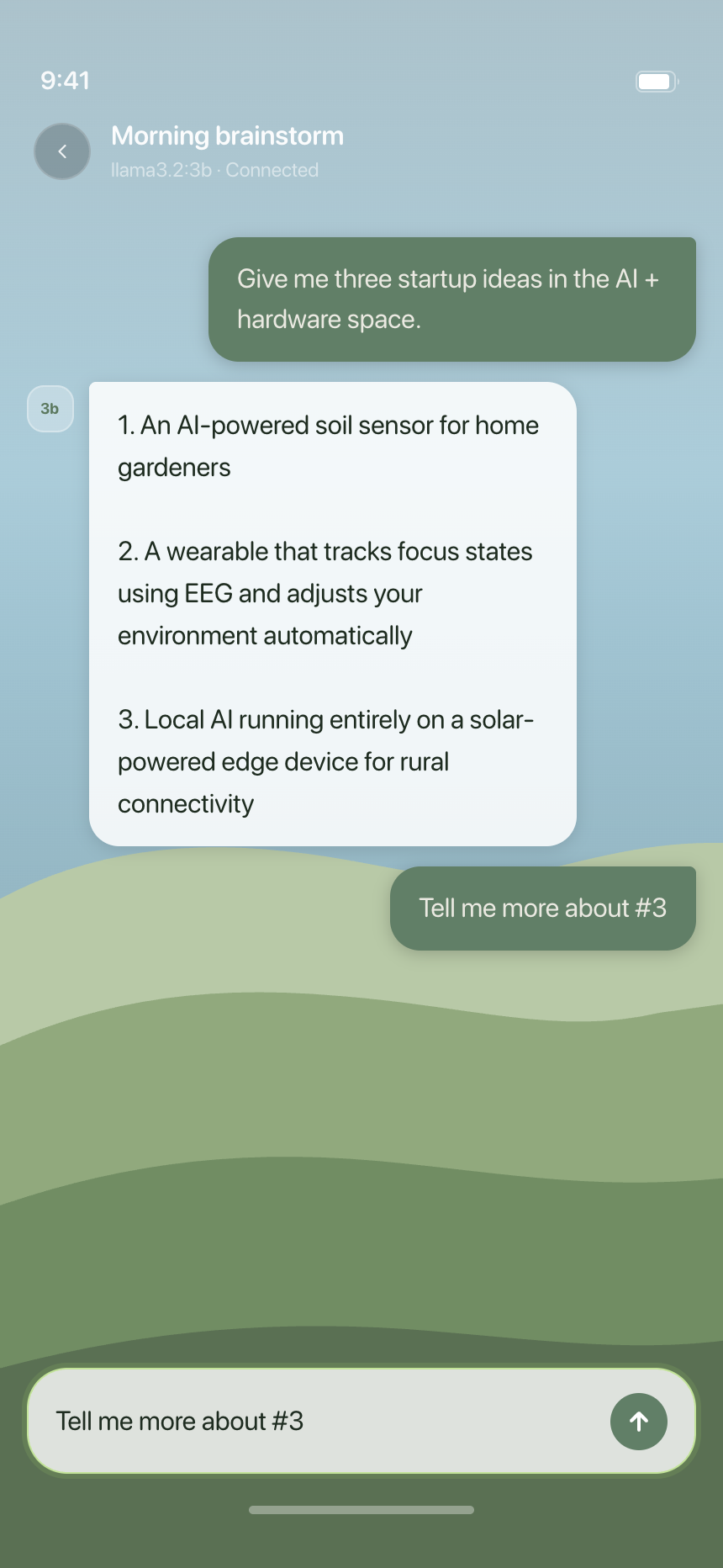
Pick a model and start chatting. Everything stays on your devices.
Features
Open the iOS app and your Mac is ready to connect. No technical setup needed.
Learn moreConnect to your Mac remotely from any network using Tailscale. Same privacy, same models.
Learn moreDownload and manage any Ollama model from your iPhone. No Terminal needed.
Learn moreEverything lives on your iPhone and your Mac. No cloud, no accounts, nothing shared.
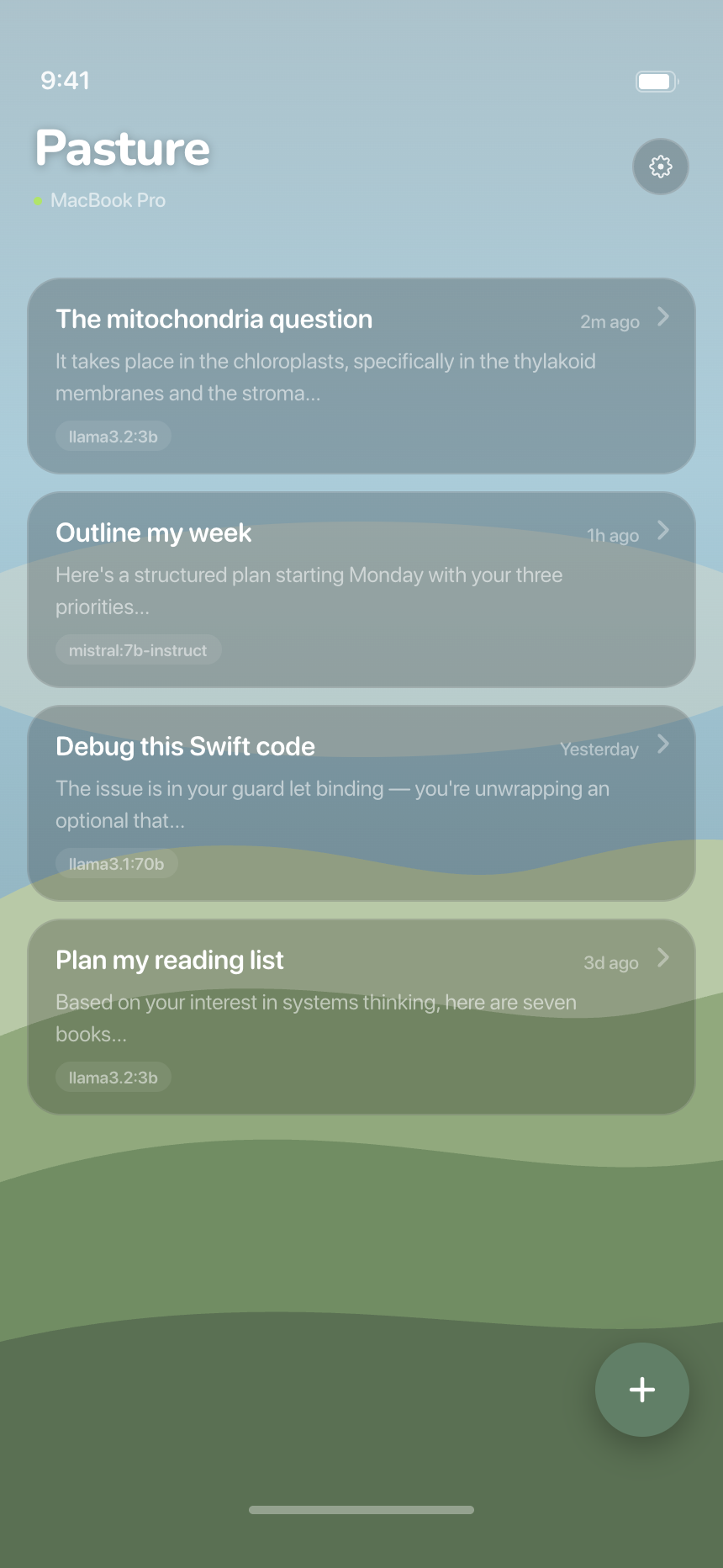
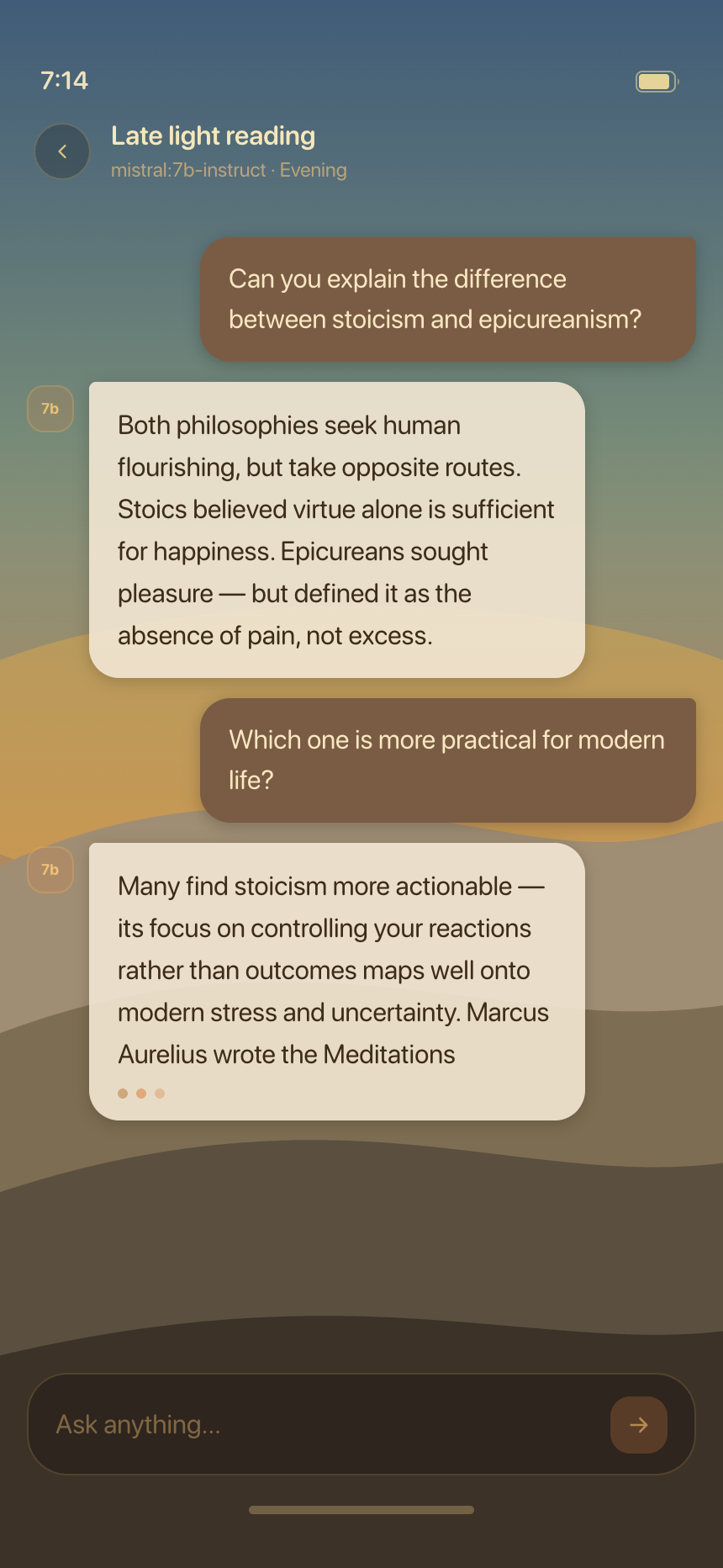
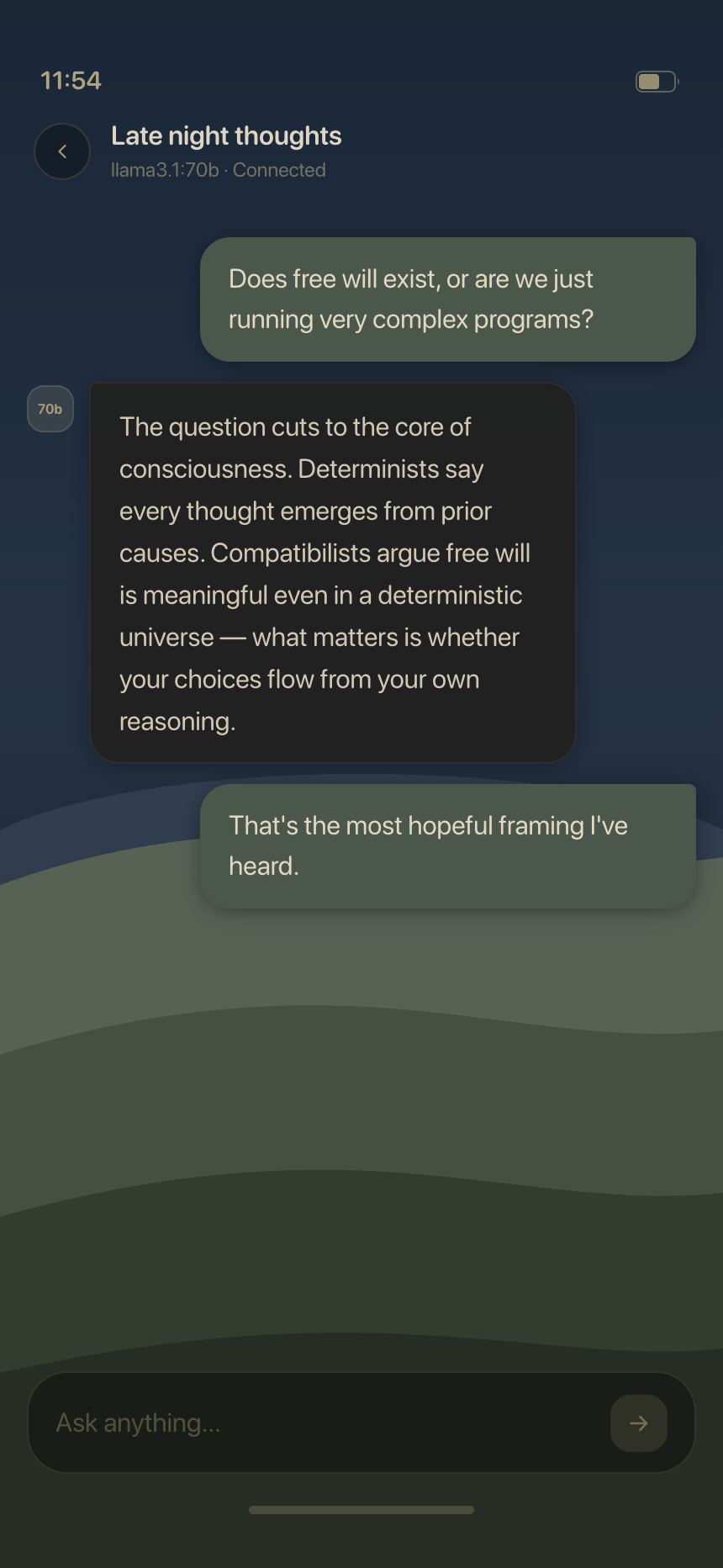
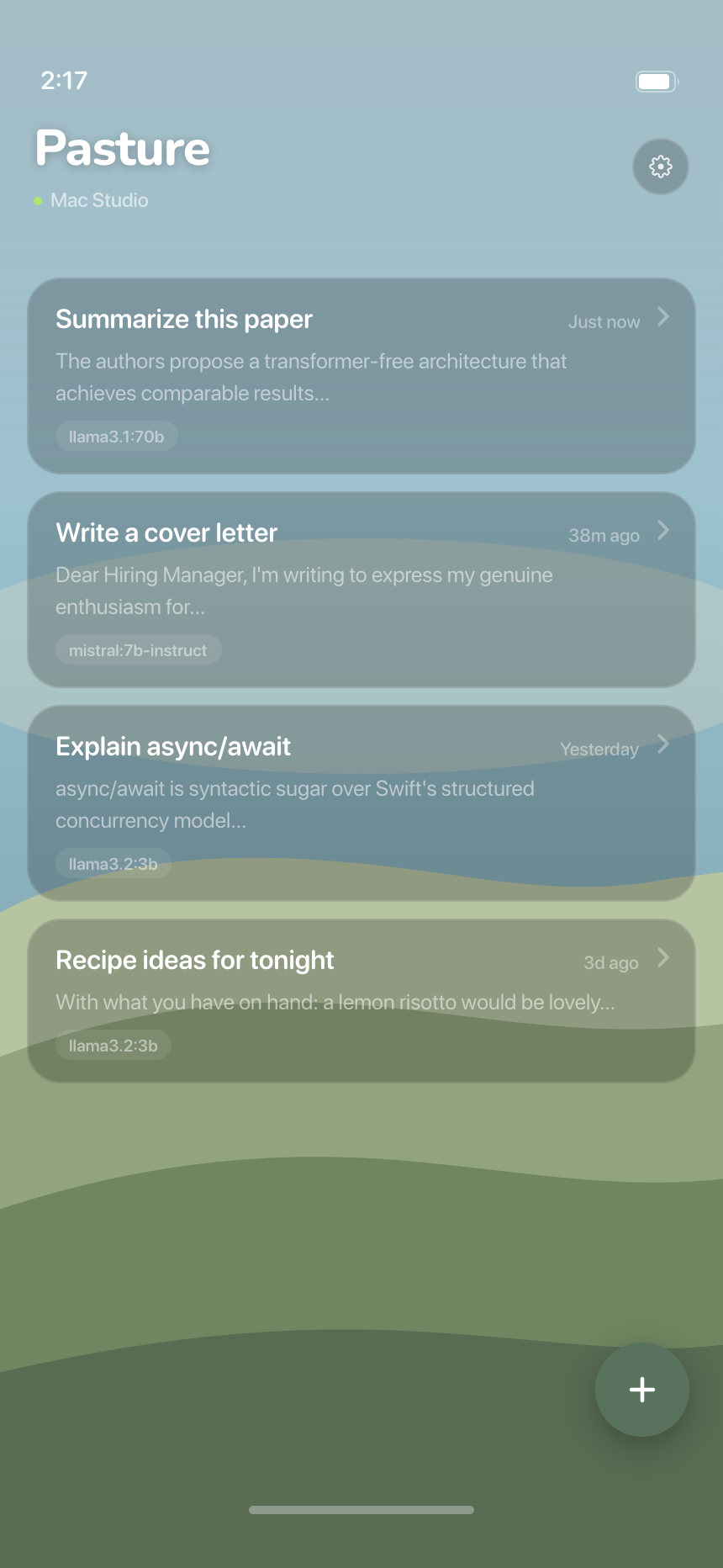
Learn moreThe look shifts with the time of day. Morning light, afternoon clarity, evening warmth.
Learn moreNo subscription, no API key, no credits. You already own the hardware.
Learn moreSee it in action
FAQ
Yes, completely. No subscription, no in-app purchases, no ads. Pasture is free now and will stay free.
Never. Your conversations stay on your local network, moving only between your iPhone and your Mac. Pasture has no servers and no analytics. Nothing is sent to any cloud service.
Any model you've pulled into Ollama — Llama, Mistral, Gemma, Phi, Qwen, and more. Pasture automatically lists whatever Ollama has installed on your Mac.
Yes, Ollama is required. It's a free, open-source tool that runs AI models locally on your Mac. Install it at ollama.com, pull a model, and Pasture will find it automatically.
Yes, with Tailscale installed on both your iPhone and Mac. Pasture detects Tailscale and connects over your private network the same way it does on local Wi-Fi — from a café, hotel, or anywhere.
iCloud is used only to securely pair your iPhone with your Mac. No chat data or messages are ever stored in iCloud — it's just the handshake that lets the two devices trust each other.
The Mac App Store has sandboxing restrictions that conflict with how Pasture communicates on the local network. The DMG is signed with a Developer ID certificate and notarized by Apple, so macOS Gatekeeper trusts it the same way it would trust an App Store app.
Yes. Pasture for Mac is notarized by Apple, which means Apple has scanned it for malware. macOS Gatekeeper will accept it without any security warnings on first launch.
Two ways: tap Report a Problem inside TestFlight (it captures a screenshot and device logs automatically), or email hi@pasture.sh with a description, screenshots, and any relevant logs. Both are monitored closely.
Yes, Pasture is fully open-source. Pull requests, bug fixes, and feature ideas are very welcome — head to github.com/pasture-sh/pasture to get started.
Beta is open. Get the iOS app via TestFlight and the Mac helper as a direct download.
You're in. Check your email for a TestFlight invite from Apple.